
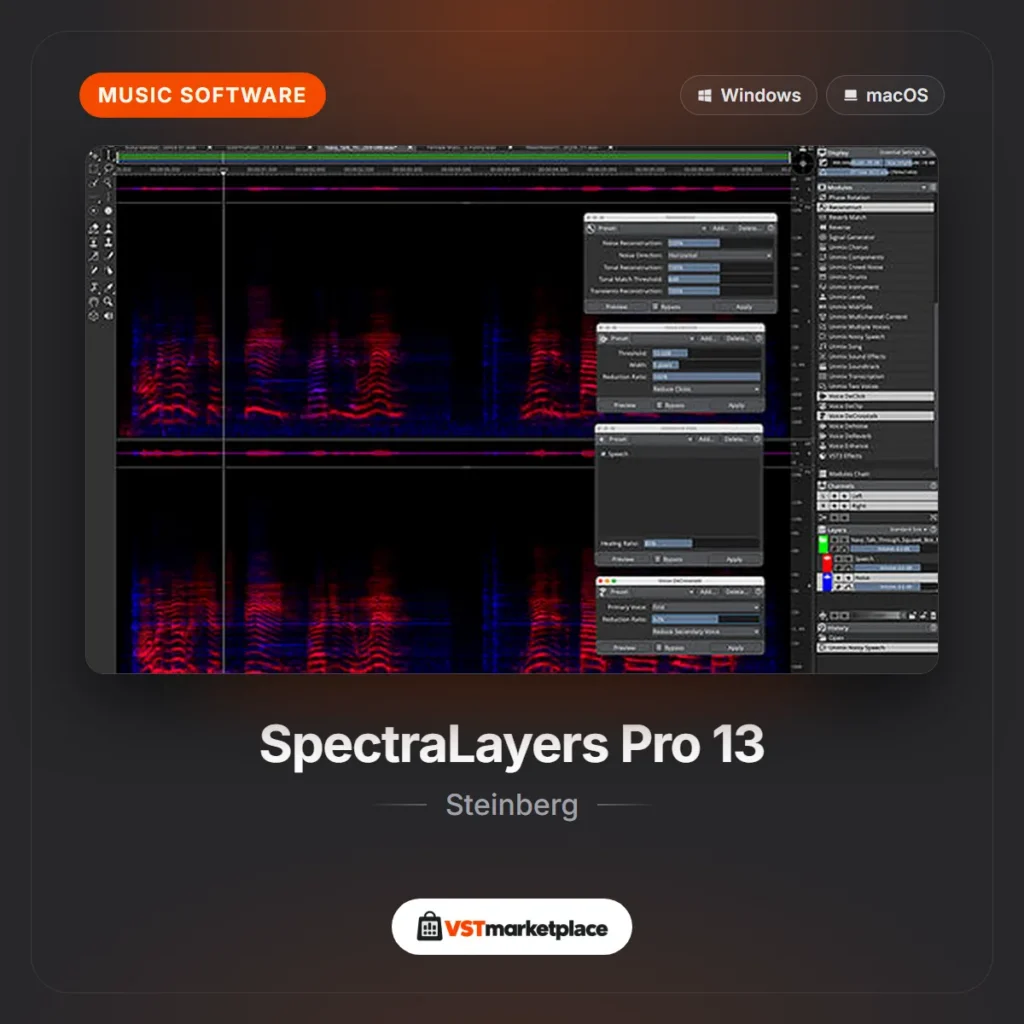
Steinberg SpectraLayers Pro 13 is a spectral editor for audio engineers and producers who need to reach inside a recording, not just work on its waveform. Sound appears as visual objects on a spectral graph, and AI-assisted tools split a finished mix or a messy dialogue track into separate layers you can edit one by one. It runs on its own or on your DAW’s timeline through ARA 2, on Windows 10 or 11 and macOS 14 or newer.
What is SpectraLayers Pro?
Think of it as selecting and painting on sound. You pick out a single frequency, a harmonic or a transient with tools such as Lasso, Magic Wand and Transient Selection, then change it with Clone Stamp, Heal or Transform. Layers are unlimited, so whatever you unmix stays apart until you want it back together.
What it can pull apart and fix
- Unmixing: songs, drums, instruments, chorus, soundtrack, crowd noise, noisy speech, two or multiple voices, mid/side and multichannel content
- Restoration: noise, reverb and hum reduction, DePlosive, Click Repair, Clip Repair, De-Esser, De-Bleed, Voice DeClip, Voice DeNoise and Voice Enhance
- Matching: Imprint, Ambience Match, Reverb Match and EQ Match
- Routine work: VST 3 plug-in support, a modules chain and batch processing
New in version 13
Only in Pro: Unmix Sound Effects, Unmix Two Voices, Ambience Heal, Reconstruct, Voice DeClick, Voice DeCrosstalk and Level Check. In both Pro and Elements: Attenuate and Fade, improved DeNoise and Unmix Components, interface layout presets, module search, keyboard shortcuts for more than 100 functions and batch processing across open projects. The current build is 13.0.30.
Pro or Elements?
Steinberg pitches Elements at routine repair: automatic noise and hum reduction and vocal unmixing. Pro has the most complete set of AI processes.
- Song unmixing: full in Pro, vocals only in Elements
- Sample rate: up to 384 kHz in Pro, 96 kHz in Elements
- Channels: multichannel in Pro, stereo in Elements
- Pro only: Components unmixing, Reverb Reduction, Clip Repair, De-Esser, De-Bleed, Imprint, Ambience Match, Heal, Transform and Clone Stamp
A smaller version, SpectraLayers Go, comes with Steinberg Cubase Pro 16.
System requirements
- Windows: 64-bit Windows 10 or 11 (21H2 or higher), Intel Core i5 4th generation, AMD Ryzen or Qualcomm Snapdragon X, DirectX 11 graphics (DirectX 12 recommended for AI processing)
- macOS: macOS 14 Sonoma, macOS 15 Sequoia or macOS 26 Tahoe, Apple silicon or Intel Core i5 (mid 2013 or later), OpenGL 3.3 graphics
- Both: 8 GB RAM (16 GB recommended), 8 GB free disk space, a 1920 x 1080 display
- Plug-in formats: ARA 2 VST, ARA 2
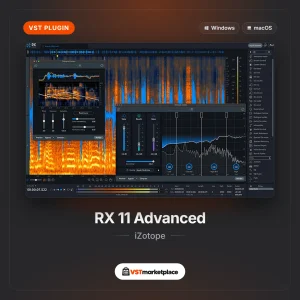
For a different route to repair, compare iZotope RX 12 Advanced, or see all audio repair software and the Steinberg range.
Reviews
No reviews yet. Bought this product? Be the first to share what you think.