
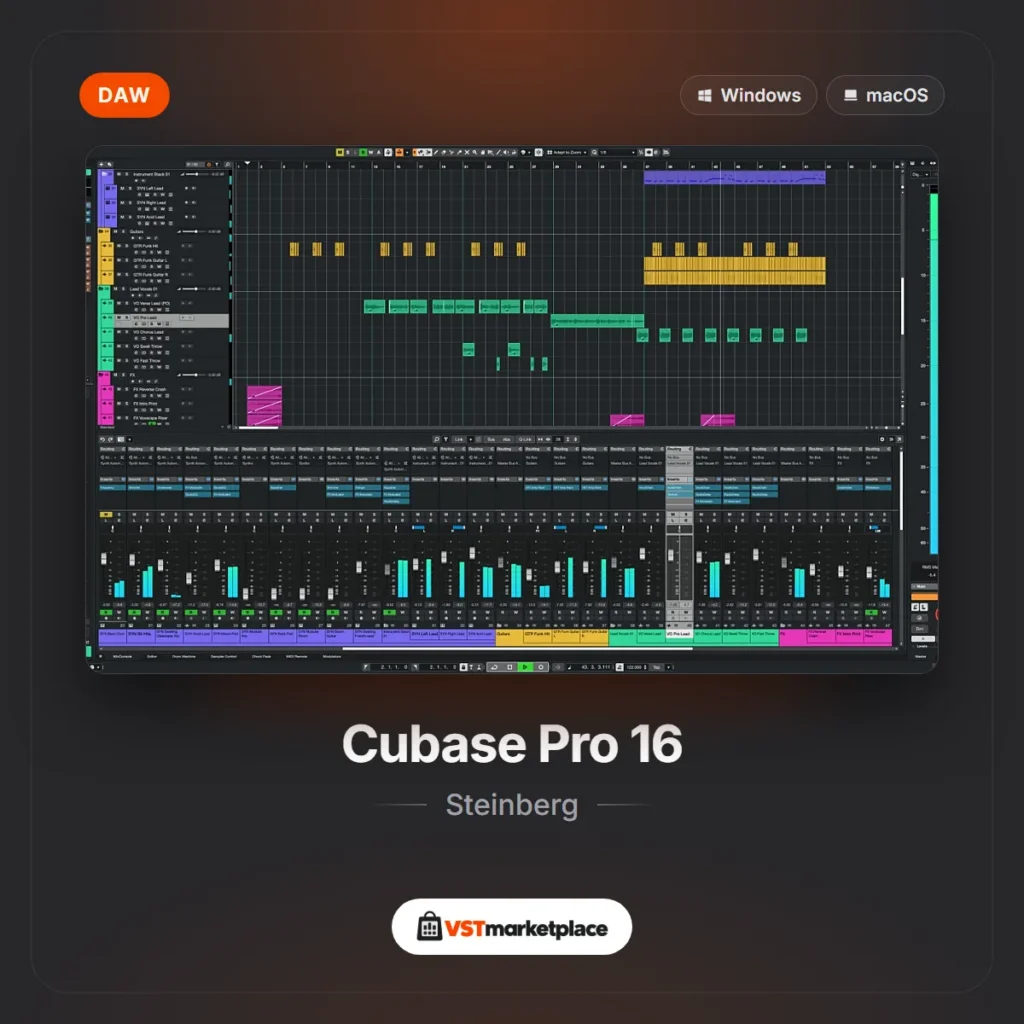
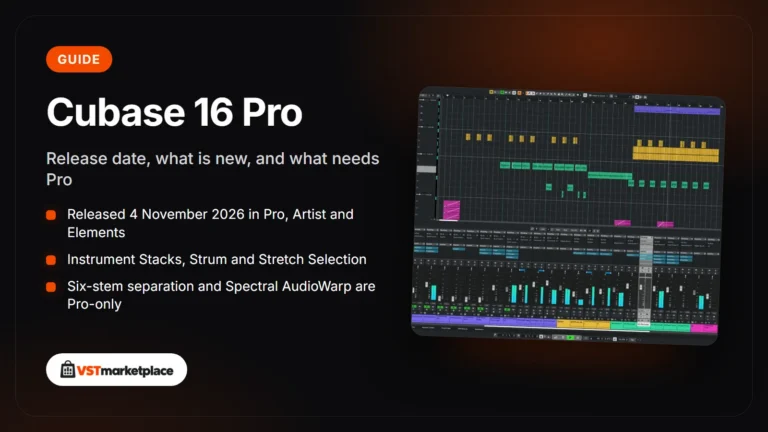
Cubase 16 is the new version of Steinberg’s DAW, and Steinberg Cubase Pro 16 is its top edition for recording, producing, mixing and scoring on Windows and macOS. Over Cubase 15 it adds six-stem separation, Instrument Stacks, twice as many sends per track and the new DrumChain and VocalTouch effects. It is for producers, composers and engineers who want the full feature set, and it asks more of your computer: at least 16 GB of RAM and, on a Mac, macOS 15 or later.
What’s new in Cubase 16
- Stem Separation (Pro only): now six stems, for vocals, drums, bass, piano, guitar and other
- New Spectral AudioWarp modes, 16 sends per track (up from 8) and 8 Cue Sends (up from 4) (Pro only)
- Instrument Stacks: VST instruments, Sampler Tracks and Drum Tracks in one playable track (Pro and Artist)
- DrumChain drum multi-effect and the Module FM library for HALion Sonic, with more than 200 presets (Pro and Artist)
- VocalTouch vocal effect, Omnivocal Basic and five new sample packs
- Redesigned searchable Settings, Key Editor Strum, Stretch and Lyrics, Ableton Link and expanded MIDI 2.0 support
What’s included
- 12 instruments and libraries including HALion Sonic, Groove Agent SE, Retrologue 2, Padshop 2, Drum Machine, Sampler Track 2, Module and Writing Room Synths, with over 3,000 instrument sounds
- Over 90 VST audio effects, plus VST MIDI effects
- Over 20 GB of samples and loops
- VariAudio 3, Audio Warp Quantize, SpectraLayers Go and WaveLab Go
Cubase Pro vs Artist
Both have unlimited audio, MIDI and instrument tracks and the same instruments. Pro adds more effects, over 3,000 instrument sounds (Artist has over 2,600) and many more group channels and inputs and outputs. Pro-only tools include Stem Separation, Spectral AudioWarp, Modulators, Expression Maps, Control Room, Dolby Atmos ADM authoring and rendering, VCA faders and a loudness meter.
System requirements
- Windows: 64-bit Windows 10 (22H2) or Windows 11 (25H2); Intel Core i5 (8th generation), AMD Ryzen 3000 series or Windows on Arm, 4 or more cores
- macOS: macOS 15 Sequoia, 26 Tahoe or 27 Golden Gate; Intel Core i5 (late 2018 or later) or Apple silicon, 4 or more cores
- RAM: 16 GB minimum
- Disk: around 90 GB free
- Display: 1440 x 900 or higher
Cubase 15 or Cubase 16?
Cubase 16 asks for more than Cubase 15, which needs 8 GB of RAM and runs on macOS 14. If your computer meets the higher requirements, choose Cubase Pro 16 for the newest tools. If not, Steinberg Cubase Pro 15 is the previous version.
Comparing DAWs? See Image-Line FL Studio 2026 All Plugins Edition and Ableton Live 12 Suite, or browse all DAWs, plugins for Cubase and everything from Steinberg.
Installed on my M2 MacBook without a hiccup, all plugins recognized right away. Smooth start so far.
Setup on my Windows PC was quick, no weird errors, and my old projects opened like nothing changed.
Installed on my M1 MacBook without any drama, runs smooth on Sonoma and all my audio interfaces showed up right away.