
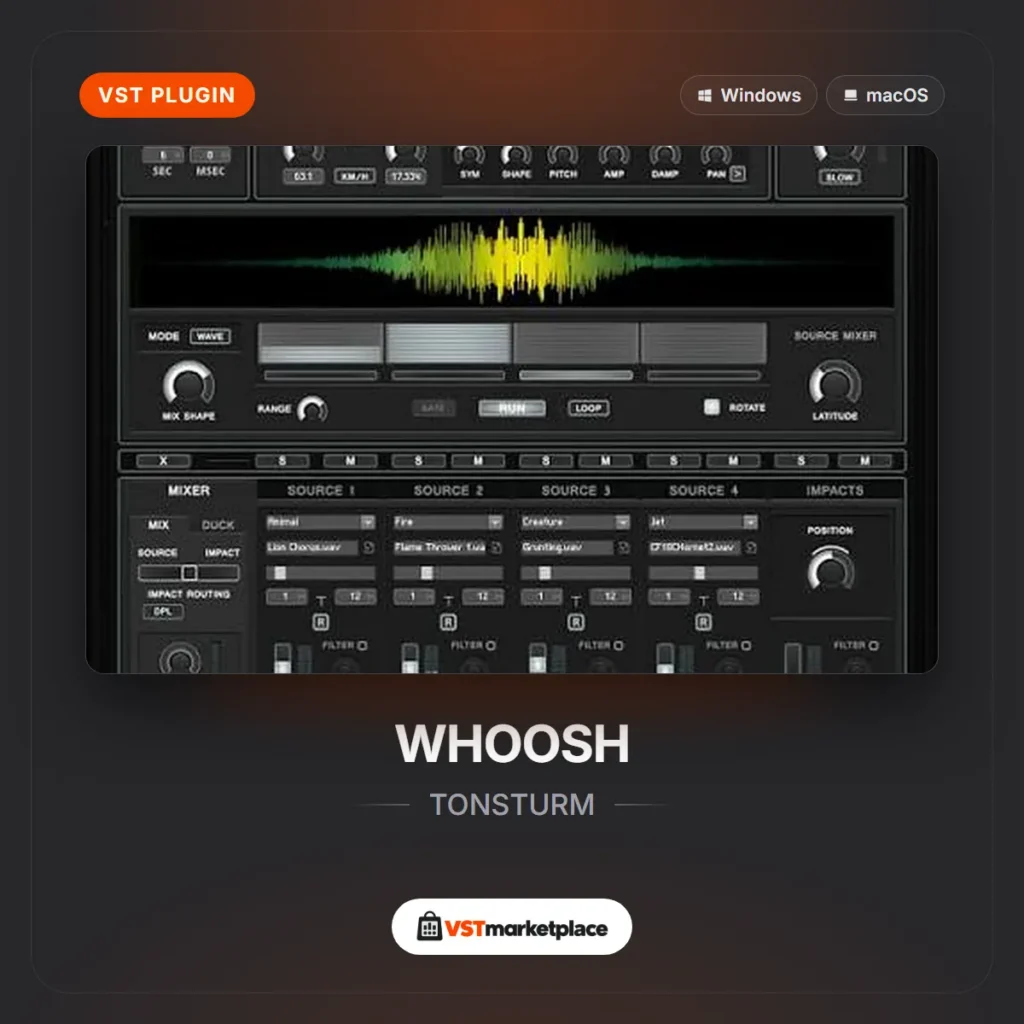
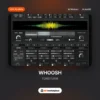
TONSTURM WHOOSH is a sound design instrument for whoosh and pass-by effects, built around a doppler engine with grain/loop samplers, impact samplers, a wave mixer and post effects. It is for sound designers, film and game audio editors and producers who need movement sounds that fit picture or tempo. It needs the free Native Instruments Reaktor Player, installed through Native Access, and runs as a VST or AU plug-in or standalone.
What does TONSTURM WHOOSH do?
WHOOSH builds sounds that approach, pass and move away. You choose sources from its onboard library or from your own samples, mix them, and the doppler engine moves them past the listener. Sync to timecode, to seconds and milliseconds or to the beat makes each whoosh land where you need it, or you can play the whole engine live in Manual mode.
Key features
- Doppler engine for approaching, passing and receding sounds
- 4 Grain/Loop samplers and 4 Impact samplers, with a source mixer
- Wave Mixer and post effects
- Sync: timecode (TC), SecMsec and Beat Sync
- Manual mode to perform the whole engine in real time
- 4 user banks: drag and drop your own samples, saved with your presets
What’s included
An onboard sample library from sound recordists, with wind, fire, racing cars, explosions and more: over 350 factory sound effects and around 100 presets.
Does WHOOSH need Reaktor?
It needs only the free Reaktor Player from Native Instruments, which you install through Native Access. WHOOSH runs inside it as a VST or AU plug-in in your DAW, or standalone. An internet connection is needed to download and install.
System requirements
- Windows: Windows 10 or 11, 64-bit, Intel Core i5 or equivalent, 4 GB of RAM (6 GB recommended), graphics with OpenGL 2.1 or newer
- macOS: macOS 11, 12 or 13 as listed by TONSTURM, Intel Core i5 or Apple Silicon (native or through Rosetta 2), 4 GB of RAM (6 GB recommended), graphics with OpenGL 2.1 or newer
WHOOSH is not The Whoosh, TONSTURM’s separate sound effects library. To build your own Reaktor instruments, see Native Instruments Reaktor 6; for granular sound design on any audio, compare Output Portal. Browse more virtual instruments.
Reviews
No reviews yet. Bought this product? Be the first to share what you think.