
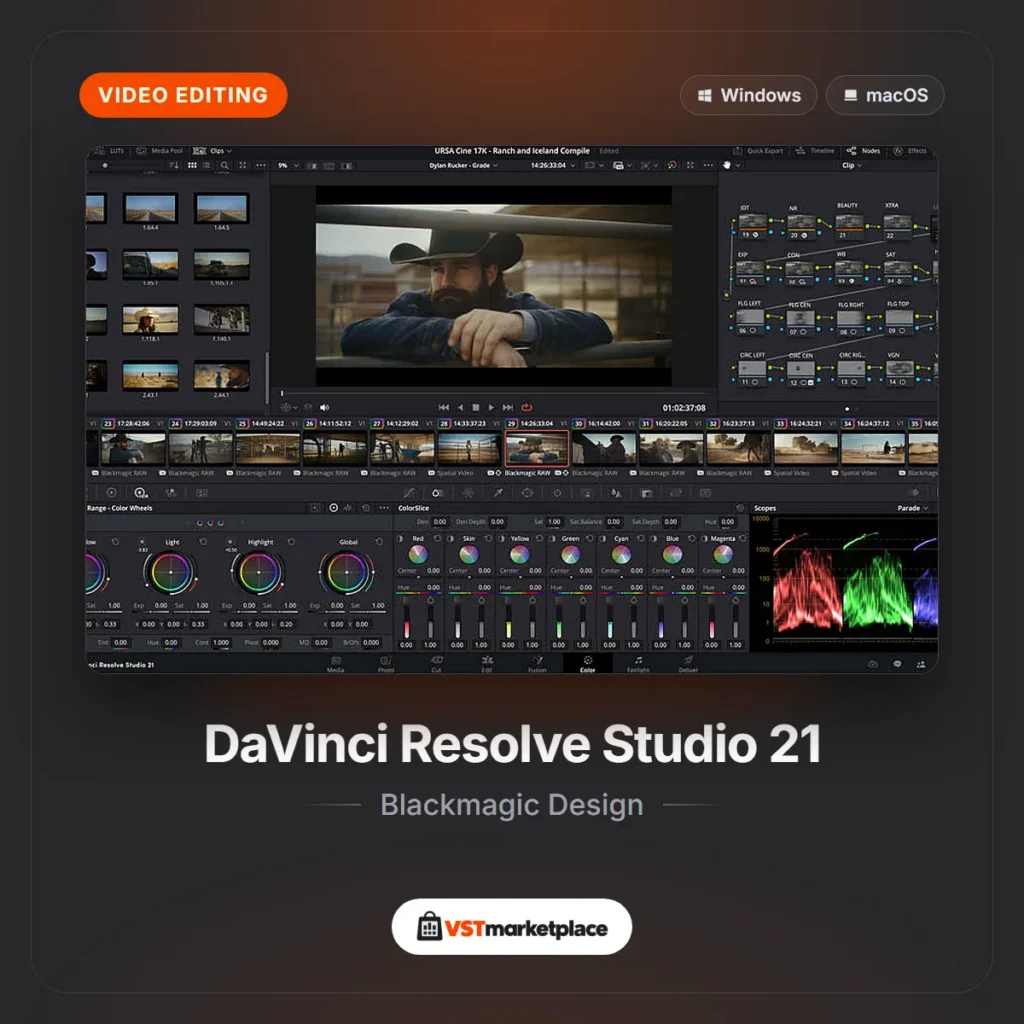
DaVinci Resolve Studio is the paid edition of Blackmagic Design’s application for video editing, colour grading, visual effects and audio post-production, and version 21 is the current one. It is for editors and colourists who need more than the free edition allows, such as frame rates above 60 fps, resolutions above Ultra HD or the AI tools. On a Mac it needs macOS 15 and an Apple silicon processor; on a PC it needs Windows 10 or newer and a suitable graphics card.
What is DaVinci Resolve Studio?
DaVinci Resolve comes in two editions. Plain DaVinci Resolve 21 is the free one. DaVinci Resolve Studio 21, the edition on this page, is the paid one, and the latest release is 21.1.2. Both are the same kind of application, so you edit, grade, add effects and mix sound in one place. Studio runs on its own and needs nothing else.
DaVinci Resolve vs DaVinci Resolve Studio
The free edition stops at 60 fps, Ultra HD and 8-bit formats. Studio adds:
- Bigger projects: editing and finishing up to 120 fps and up to 32K
- Speed: multi-GPU real-time playback and hardware H.264 and H.265 decoding and encoding
- DaVinci Neural Engine AI tools: voice isolation, dialogue separation, music remixing, region tracking, UltraNR noise reduction and SuperScale
- More effects: over 45 extra Resolve FX and more Fairlight FX audio plug-ins
- HDR: Dolby Vision and HDR10+ grading and output
- Stereoscopic 3D: editing and grading
- Audio delivery: immersive 3D audio, Dolby Atmos mastering and IMF audio deliverables
- Video delivery: native IMF encoding and DCP support
- Workflow: Python and Lua scripting, a remote scripting API and full-screen playback on a second monitor
What’s new in version 21
Version 21 was released in June 2026 and brings photo editing and new AI tools.
System requirements
- Windows: Windows 10 Creators Update or newer, 16 GB RAM (32 GB if you use Fusion), a graphics card with at least 4 GB of VRAM that supports OpenCL 1.2 or CUDA 12.8, official AMD or Intel drivers, or NVIDIA Studio driver 581.57 or newer
- macOS: macOS 15 Sequoia or newer, an Apple silicon processor, 8 GB RAM (16 GB if you use Fusion). Intel Macs and macOS 14 are not on Blackmagic’s list
- More memory: Blackmagic asks for more for the advanced AI tools and background rendering
- Monitoring: Blackmagic hardware needs Desktop Video 12.9 or newer
Looking at other editors? See Boris FX Vegas Pro 2027 for Windows, or browse all video editing software and everything from Blackmagic Design.
Reviews
No reviews yet. Bought this product? Be the first to share what you think.